8.7.0

Color blind mode for the overlays, a switch to keep the standard colors in your stream and two fixes for AMS2.
New Features
Color blind mode
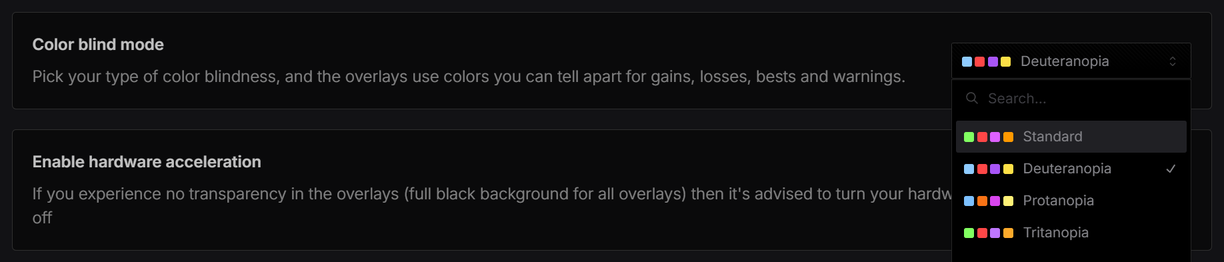
Pick your type of color blindness in Settings > General: Deuteranopia, Protanopia or Tritanopia. The four squares next to each option are its colors for faster, slower, session best and warning.
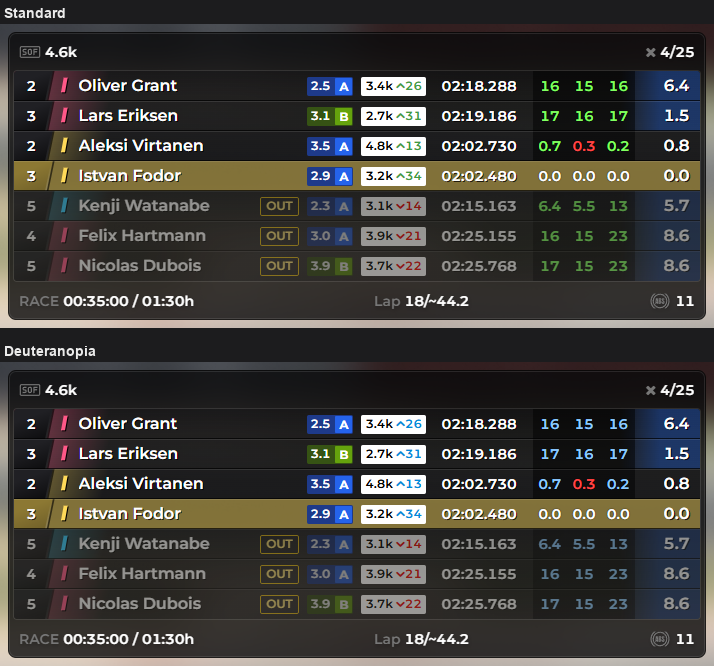
The overlays then show time gains and losses, personal and session bests, cars a lap ahead or behind and warnings in colors you can tell apart. Flags, car class colors and colors you picked yourself stay as they are.
Relative in Standard and Deuteranopia: the lap time gains and the iRating gains turn light blue, losses stay red. Protanopia also turns losses orange. Tritanopia keeps red and green and changes only the colors it can't tell apart, like the purple of the session best.
Force standard colors in your stream
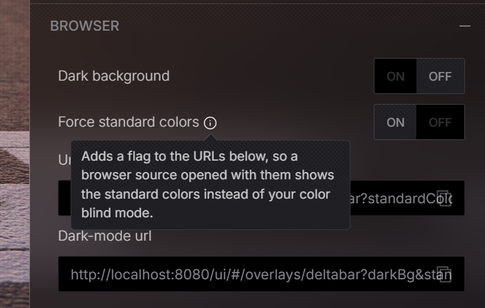
Each overlay's Browser settings, with the URLs you paste into OBS as a browser source, have a new Force standard colors switch. It shows while a color blind type is selected. Turn it on and the URLs get a flag, so the browser source shows the standard colors. Your stream viewers see the usual colors while you use color blind mode in the app.
Improvements / Fixes
- AMS2: practice and qualifying standings now order the drivers by best lap. Before, they were ordered by distance driven
- AMS2: driver names with accents and special characters, like Ö or é, now show correctly